
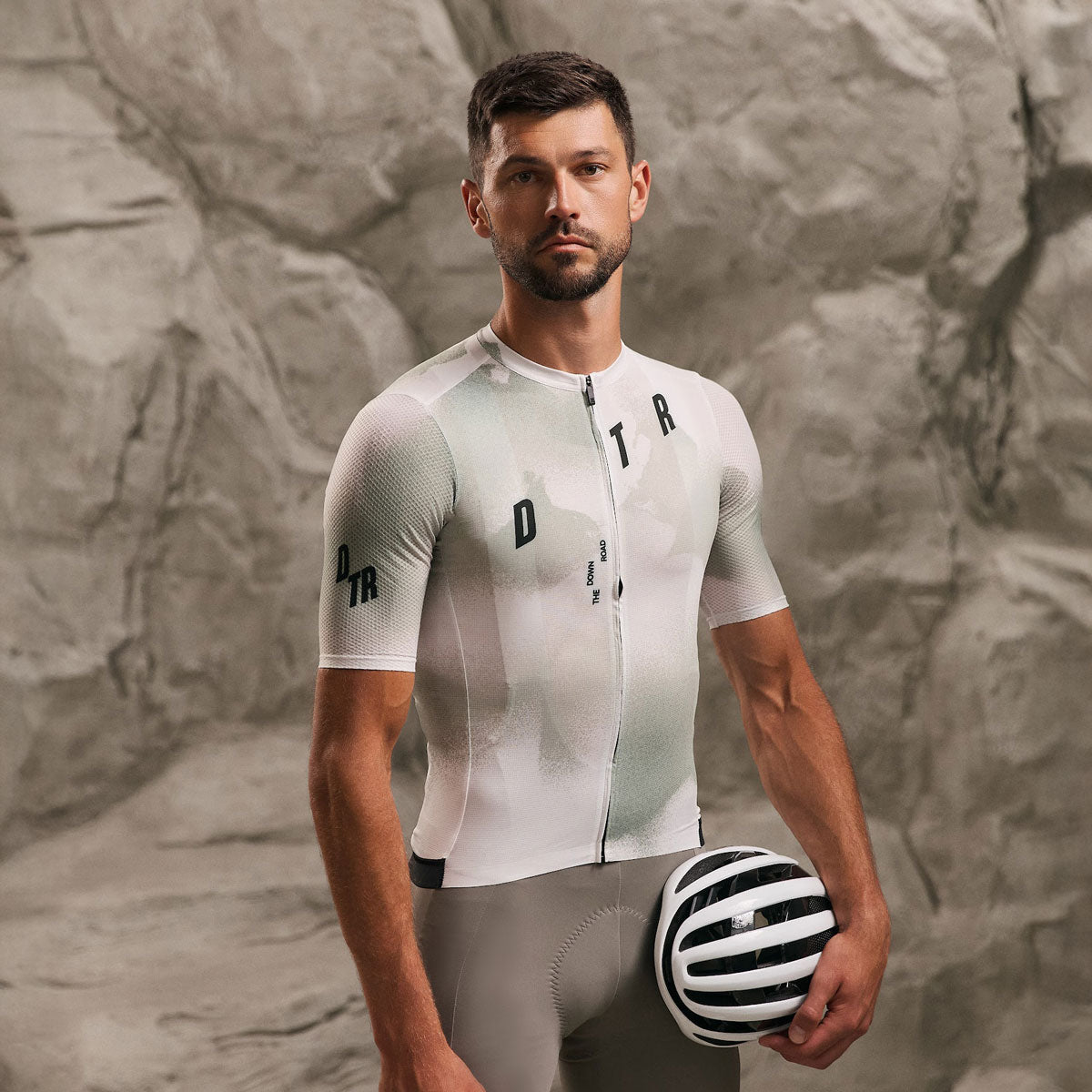
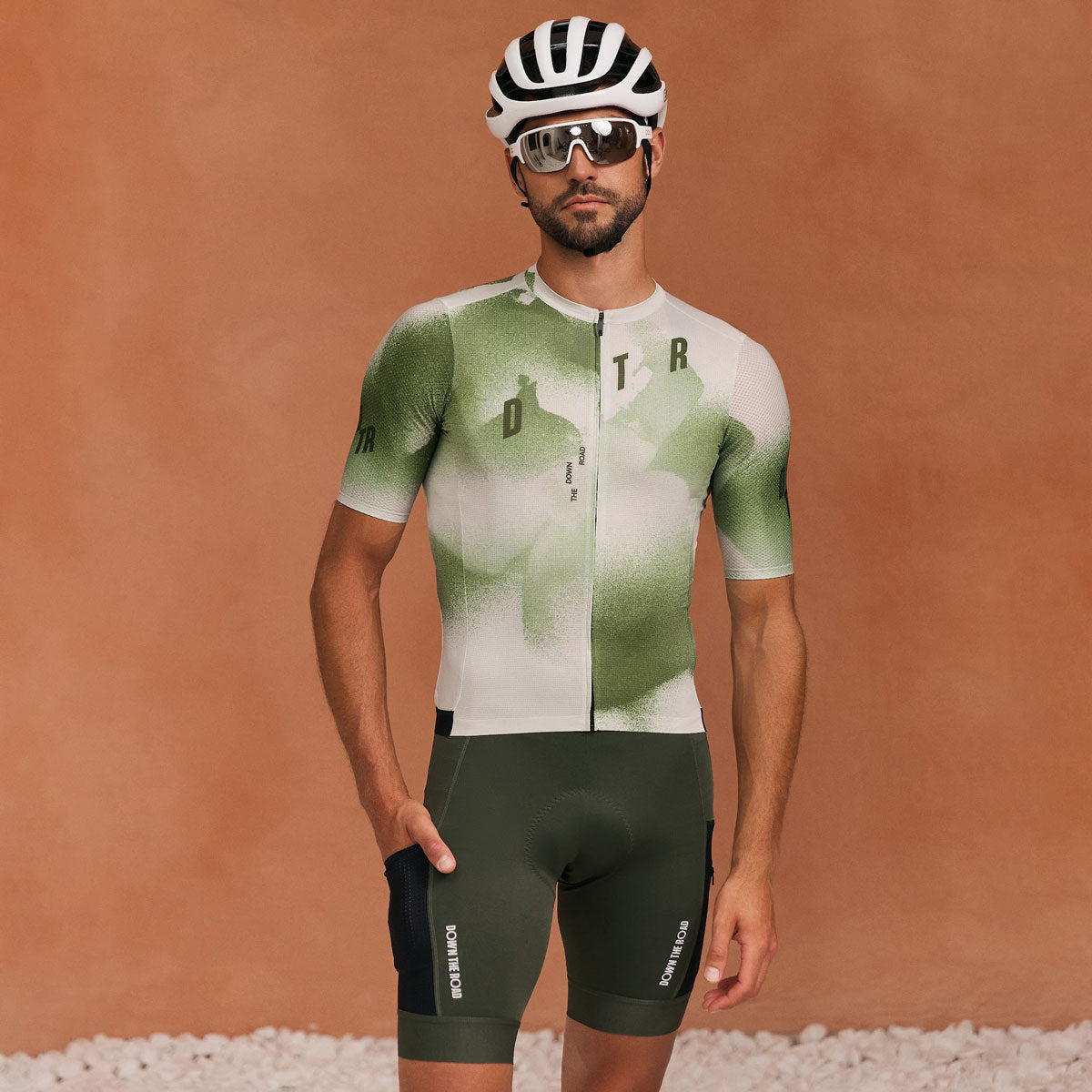
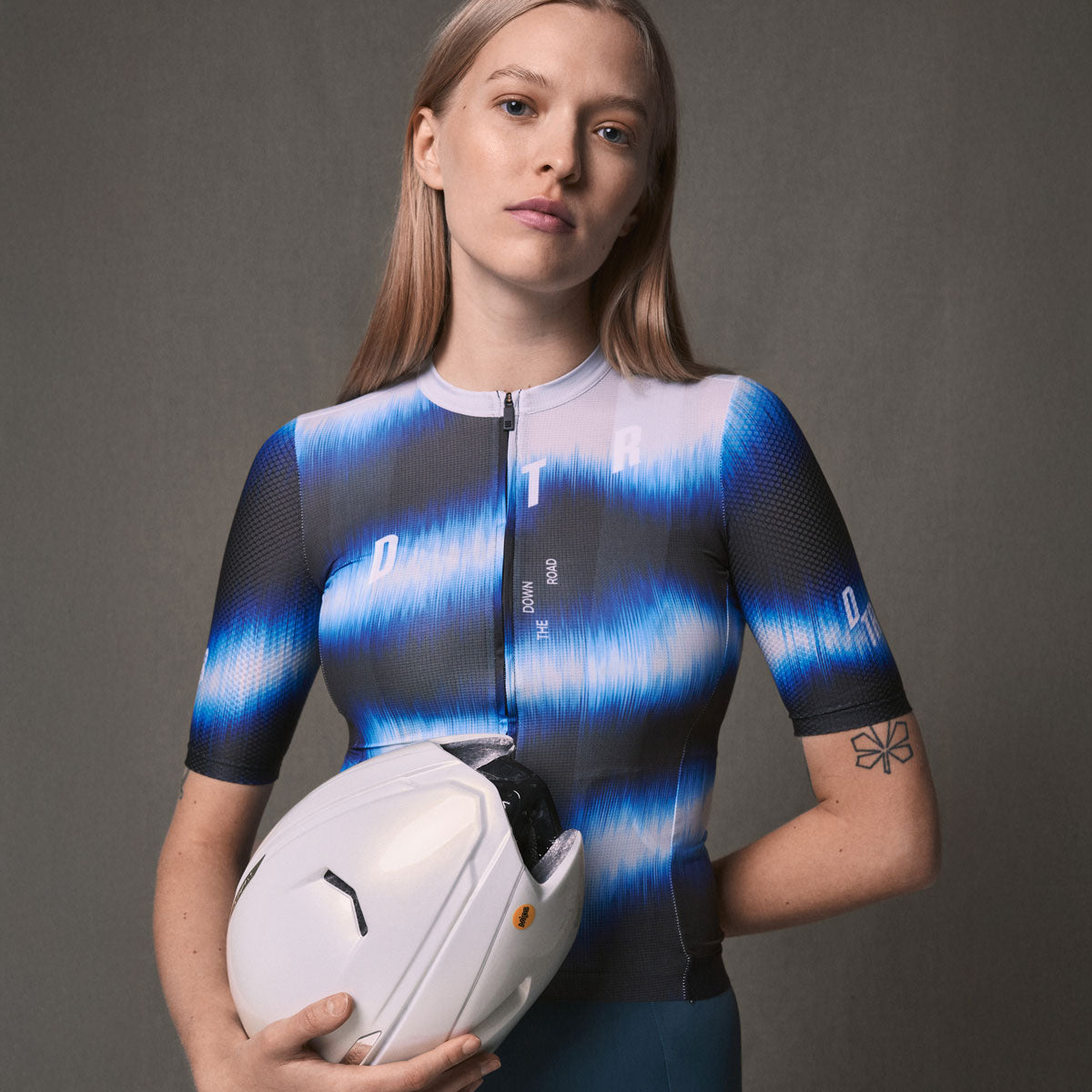
To start a custom cycling kit design we need your logos as vector files — .ai, .eps, .svg or a vector PDF — plus any exact colour references you already have. Everything else we can build from a brief. This guide covers what to send, how the mockup and sign-off loop runs, and what actually costs you time in a design round.
What to send before the first mockup
Three things get a first mockup moving: your club or team logo as a vector file, a colour reference if you have one, and a short brief describing what you want. Sponsor logos can follow — they usually arrive last — but the more that lands in the first message, the fewer rounds it takes to get to something you want to print.
A brief does not need to be a design document. Two or three sentences on the feel you are after, one or two references you like, and any hard constraints — a sponsor that must go on the chest, a colour you cannot use, a fabric you have had before — give a designer everything they need to start. Our guide on designing club kit covers how to build that brief, and kit design ideas is a useful place to point people who cannot describe what they want yet.
Why vector logos matter, and what to do without one
A vector file stores your logo as shapes and curves rather than pixels, so it scales from a 15 mm chest badge to a full-back panel with no loss of edge quality. Sublimation printing renders exactly what it is given, which means a soft or pixelated edge in the file becomes a soft or pixelated edge on the fabric.
Usable formats are .ai, .eps, .svg and PDFs where the artwork is still live vector rather than a placed image. A high-resolution PNG or JPEG is not a substitute, however large it is — enlarging pixels only makes the pixels bigger. If your logo was made in a web design tool, export as SVG or PDF rather than PNG; the underlying shapes are usually vector already.
If no vector exists anywhere, say so early. Redrawing a logo to vector is routine work, but it needs to happen before the mockup rather than after you have approved one, and it is the single most common reason a first round takes longer than it should.
Getting colours to match what is in your head
Send Pantone references where you have them. Pantone is the only colour language that survives the trip from a screen to dyed fabric with any reliability, because screens vary in brightness and calibration and fabric absorbs ink differently depending on its weave.
If you have no Pantone reference, a brand hex code is the next best thing, and we will translate it and flag anything that will not reproduce cleanly. Some very bright fluorescents and deep, saturated blacks behave differently on lycra than they do on paper or on screen, and it is better to know that at mockup stage than when a box of jerseys arrives.
One practical note: a colour will read slightly differently on a matte panel, on a mesh panel and on a silicone gripper, because the surfaces reflect light differently. That is normal, and worth expecting rather than being surprised by.
Sponsor logos: the part that causes most delay
Sponsor artwork is the most common bottleneck, because it comes from people outside your club who are not waiting on your deadline. Ask for vector files at the same time you confirm the sponsorship, and ask for the sponsor's brand guidelines if they have any — many specify minimum sizes, clear space and which logo variant may be used on a coloured background.
Collect them all before the first mockup if you can. Adding a sponsor after a design is approved usually means rebalancing the whole layout rather than dropping a logo into a gap, and that is a full extra round. Where logos sit on the garment is its own decision — our guide to sponsor logo placement covers what works on each panel.
One more thing worth checking early: whether any sponsor needs to approve the final mockup themselves. If they do, build that into your timeline as a separate step.
How the mockup and sign-off loop runs
You send the brief and files, we return a mockup showing every garment in the order on a flat template. You mark up what you want changed, we revise, and the loop repeats until you approve. Nothing goes to production without your written sign-off — that is a hard rule, not a courtesy.
Feedback works best when it is consolidated and specific. One message with all the changes from everyone who gets a say beats five messages over a week, and "move the sponsor block 10 mm lower on the chest" is actionable in a way that "it feels a bit high" is not. If your club votes on designs, run the vote between rounds rather than during one.
The final mockup is what we produce against, so read it as a specification rather than a picture. Check the spelling of every name, the colour of every panel, the sizes on every garment and the sponsor set against your latest agreements.
Fonts, names and numbers
If your design uses a specific typeface, send the font file or name it precisely. A font that is licensed to you is not automatically installed on our side, and a substituted typeface changes the character of a design more than most people expect.
For rider names and numbers, send a final list as a spreadsheet with the exact spelling and the size against each name, and treat it as locked once the mockup is approved. Names are personalised at production, so a correction after sign-off is a reprint rather than an edit.
How artwork fits the production schedule
Artwork rounds sit before the production clock starts, not inside it. Production runs roughly seven to nine weeks from approved sign-off, and our custom program starts from five to ten pieces depending on the garment, so the variable you control is how quickly the design loop closes.
Working backwards from a season start or an event date, allow time for artwork rounds, sponsor approvals and shipping on top of production. Clubs ordering for a spring season generally start the design conversation in autumn. For how quantities work across a mixed order, see our guide to minimum order quantities.
Frequently asked questions
What file format do you need for a custom kit logo?
Vector: .ai, .eps, .svg, or a PDF where the artwork is still editable vector. These scale to any size on the garment without losing edge quality.
Can you use a PNG or a JPEG?
Only as a visual reference, not as production artwork. Both are pixel formats, so enlarging them softens the edges. If a vector version does not exist, we can redraw the logo before the mockup stage.
Do you need Pantone colours?
They are the most reliable reference, but not mandatory. A hex code or an existing garment to match against both work; we will confirm what reproduces accurately on fabric before you approve anything.
How many design revisions do you get?
We revise until you are happy with the mockup. Most orders settle in two or three rounds when feedback is consolidated; scattered feedback from several people is what stretches it.
Can you change the design after sign-off?
Not once production has started — the design is printed into the fabric rather than applied to it. That is exactly why the sign-off step exists, and why it is worth reading the final mockup as a specification.
What if we do not have a logo yet?
Tell us at the brief stage. Kit design and logo design are separate pieces of work, and it is much cheaper in time to settle the logo first than to redraw a whole kit around a new one.
Tell us your brief and we will take it from there: request a quote.
DTR — performance cycling and triathlon apparel, designed and developed in Ukraine.

Leave a comment
This site is protected by hCaptcha and the hCaptcha Privacy Policy and Terms of Service apply.